
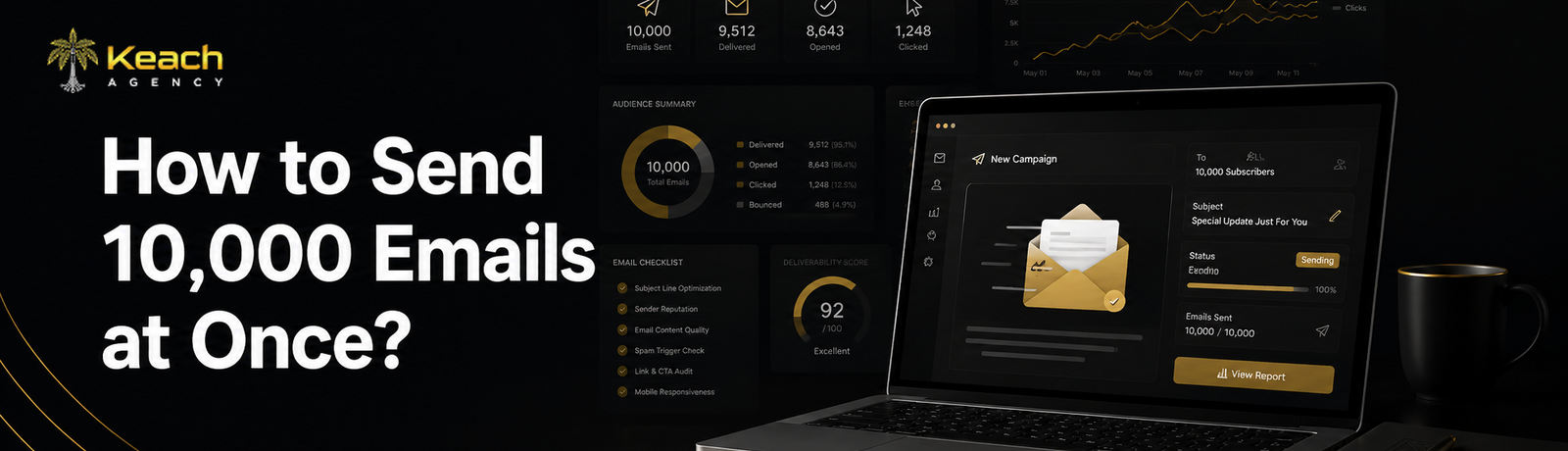
You’ve got a big announcement. A product launch. A flash sale. Or maybe just a newsletter that your entire customer base needs to see. And you need to get it out to thousands of people. Fast. So you ask the obvious question. How to send 10,000 emails at once without breaking the rules or landing in the spam folder?
The short answer is you don’t just hit send and hope for the best. That’s a recipe for disaster. The longer answer involves the right tools, a warm audience, and a healthy respect for email providers who hate sudden spikes in volume. Let me walk you through exactly how to do this the right way. No shortcuts. Just practical steps that keep your sender reputation intact.
Planning a big email campaign? Don’t risk your deliverability.
Let’s build a strategy that lands in inboxes, not spam folders.
Before You Send 10,000 Emails, Ask This Question
Hold on. Before we talk about tools and technical steps, ask yourself something important. Do 10,000 people actually want to hear from you? Here’s a hard truth I’ve learned over years of running email campaigns for large email list efforts. If those 10,000 addresses came from a purchased list, a random CSV file, or a trade show signup sheet where nobody opted in, stop right there.
Sending to people who never asked for your emails isn’t just rude. It’s illegal in many places. And it’s the fastest way to get your email account suspended. So step zero is simple. Make sure your list is permission-based. Every single person on that list should have explicitly said yes to receiving emails from you. No exceptions. Once you’ve got a clean, opt-in list of 10,000 subscribers, we can talk about the mechanics.
Choose the Right Email Service Provider
Your regular Gmail or Outlook account isn’t going to cut it. Those platforms have daily sending limits. Usually around 500 emails per day. Try to send 10,000 at once, and your account will be locked faster than you can say “oops.” You need an Email Service Provider, or ESP, built for volume.
Good options include: Mailchimp, SendGrid, Klaviyo, ActiveCampaign, and Amazon SES. Each handles bulk email sending differently. Some charge by the number of subscribers. Others charge by the number of emails sent.
For a one-time blast to 10,000 people, a pay-as-you-go option like SendGrid or Amazon SES might be most cost-effective. For regular campaigns, a monthly subscription based on list size often makes more sense.
Practical insight: Don’t just pick the cheapest option. Look at deliverability rates. Customer support. And ease of use. Saving twenty dollars a month isn’t worth it if half your emails never arrive.
Warm Up Your Sending Infrastructure
Here’s something most people don’t know. Email providers track your sending patterns. If you usually send 100 emails a day and suddenly send 10,000, that looks suspicious. Like spam. Or a hacked account.
The solution is a warm-up process. Gradually increase your sending volume over a few weeks. Start with 500 emails one day. Then 1,000. Then 2,000. Build up slowly. This teaches providers like Gmail, Outlook, and Yahoo that you’re a legitimate sender.
If you’re using a new domain or a new IP address, this warm-up period is even more critical. If you are thinking about skipping this warm-up period, your bulk emails might never reach your customers’ inboxes.
Practical insight: Most ESPs offer automated warm-up features. Use them. They handle the gradual increase for you while you focus on your content.
Segment Your List Before You Send
Just because you’re sending 10,000 emails doesn’t mean every single one needs to be identical. In fact, sending the exact same message to everyone is a missed opportunity. Segment your list based on past behavior. Purchase history. Location. Engagement level.
For example, send one version to customers who bought in the last 30 days. A different version for people who haven’t opened an email in six months. A third version for subscribers who clicked but never purchased.
This approach improves relevance. And relevance improves results. A well-segmented email campaign for a large email list often sees double the open rates of a generic blast.
Practical insight: Start with just two or three segments. You don’t need dozens. Even basic personalization, like using someone’s first name or mentioning their last purchase, makes a difference.
Test Before You Send to Everyone
Never. And I mean never. Send 10,000 emails without testing first. Create a test segment. Send your email to 50 or 100 people. Check your open rates. Click-through rates. Spam complaints.
Look for problems. Does your subject line get cut off on mobile? Do your images load properly? Are your links correct? Fix any issues before the full send. One broken link or one misleading subject line can damage your reputation with thousands of people at once.
Practical insight: Send test emails to different email providers. Gmail. Outlook. Yahoo. Apple Mail. Each renders emails slightly differently. What looks perfect in one might look broken in another.
Managing a large email list takes strategy and the right tools.
Keach Digital helps you plan, execute, and optimize bulk campaigns.
Wrap Up
Sending 10,000 emails at once isn’t complicated if you follow the right steps. Use a proper Email Service Provider. Warm up your sending infrastructure. Segment your list. Test before you go big. And most importantly, only send to people who actually want to hear from you.
The technical part is easy. The trust part is harder. Protect your sender reputation like it’s your most valuable asset. Because it is.
At Keach Digital Agency, we’ve helped countless businesses scale their email marketing without losing deliverability or damaging their brand. Whether you’re sending your first big campaign or optimizing an existing one, we’ve got the experience to guide you. Send smarter. Not just bigger.
Ready to send your next big email campaign with confidence?
Keach Digital offers full-service email marketing management.
Frequently Asked Questions
Can I send 10,000 emails at once using Gmail?
No. Gmail has sending limits of around 500 emails per day for standard accounts and 2,000 per day for paid Workspace accounts. Attempting to send 10,000 at once will get your account suspended. You need a dedicated Email Service Provider for bulk email sending.
How long does it take to send 10,000 emails?
With a professional ESP, sending 10,000 emails typically takes anywhere from a few minutes to an hour. Speed depends on your provider’s infrastructure and your sending reputation. Amazon SES can send 10,000 emails in under a minute. Some lower-tier providers may take several hours.
Will sending 10,000 emails at once hurt my sender reputation?
It can if you do it incorrectly. Sudden volume spikes look suspicious to email providers. Always warm up your sending IP address first. Gradually increase volume over days or weeks. A sudden jump from zero to 10,000 is a red flag.
What’s the best tool to send bulk emails to customers?
The best tool depends on your needs. For ecommerce, Klaviyo is excellent. For developers and high volume, SendGrid or Amazon SES work well. For general marketing, Mailchimp or ActiveCampaign are solid choices. Compare pricing, deliverability, and features before deciding.
Is it legal to send 10,000 emails at once?
Yes, as long as you comply with laws like CAN SPAM (US), CASL (Canada), and GDPR (Europe). You must have permission from recipients, include a clear unsubscribe link, and identify yourself as the sender. Never send to purchased or scraped lists. That’s illegal and damages your reputation permanently.