

Every online store wants one thing: more sales. You won’t get sales just because you have good products. Sales happen when your website is easy to use, quick, and makes people feel safe buying from you. It’s also important that shoppers can find what they are looking for without any problems.
This is closely tied to the bigger picture of e-commerce marketing and customer experience, which we covered in our guide on Mastering E-commerce Marketing: A Holistic Guide to Driving Sales & Customer Loyalty. Conversions don’t happen in isolation. They are the result of how everything works together.
That’s where good UX (user experience), A/B testing, and E-commerce come in. They help you figure out what shoppers need, remove anything that makes it hard to buy, and turn shoppers who are just looking into paying customers.
Good UX is not just about how things look. It’s about getting rid of little issues that scare people away without you even knowing.
Want to Sell More?
Keach Agency can look at your store and find problems that are hurting your sales.
Why UX Is A Big Deal For Online Stores
People decide if they like a website super fast. If your site is slow, confusing, or the product pages are a mess, you could miss out on a sale.
This becomes ever more important when users land directly on product pages from search engines. If you want those pages to convert better, pair UX work with strong SEO fundamentals, as we explained in Advanced E-commerce SEO: Optimizing Product Pages for Maximum Visibility.
Good UX does three things well:
- Helps people find stuff fast.
- Makes people trust you right away.
- Makes it easy to go from looking to buying.
Good UX means fewer people leave your site, and you get more sales.
1. Make It Easy to Find Stuff
If customers can’t find what they want, they will go somewhere else. Your website should be easy to use without people having to think too much.
Some ideas:
- Keep your menu simple, with categories that make sense.
- Add ways to sort products by size, price, color, or rating.
- Have a search bar that stays at the top of the page.
- Use breadcrumbs so people know where they are on your site.
You want to make it super easy for people to shop. The easier it is, the more likely they are to buy.
2. Make Your Product Pages Great
Your product page is where people decide if they trust you enough to buy.
Make your product pages better by:
- Use good pictures and show the product from all angles.
- Writing short descriptions that tell people what they’ll get out of it.
- Making the price clear and showing whether you have the product in stock.
- Adding badges that show people your site is secure and that you have free returns.
- Making sure pictures and videos load fast.
- Including real reviews from customers.
If you have products that come in different styles, make it easy to pick the one you want. Nothing kills sales faster than a confusing product selector.
3. Make Checkout Simple
A checkout process that’s a pain is a huge reason people don’t buy.
Make it easier by:
- Letting people pay in different ways (card, wallets, etc.).
- Filling in information for them when you can.
- Letting people buy without making an account.
- Showing shipping costs early on.
- Asking for less information.
Every click you save makes it more likely someone will buy something.
4. Speed is Important
Even a pretty website won’t get sales if it’s slow.
Try to:
- Make your site load in under 3 seconds.
- Make your pictures smaller.
- Don’t use too many plugins.
- Use a web host that’s fast.
If your site takes just one second longer to load, it can really hurt your sales because people won’t wait. Explore our Web Development Services for deeper insights.
People browsing Instagram or TikTok expect fast, smooth experiences. If your site lags, they leave. We break down this behavior in Selling on Social: A Guide to Instagram Shopping, TikTok Shop & More.
Need Help Making Your Site Better?
Work with our UX and CRO experts to get a smoother, faster store that makes more money.
5. Test Things To See What Works
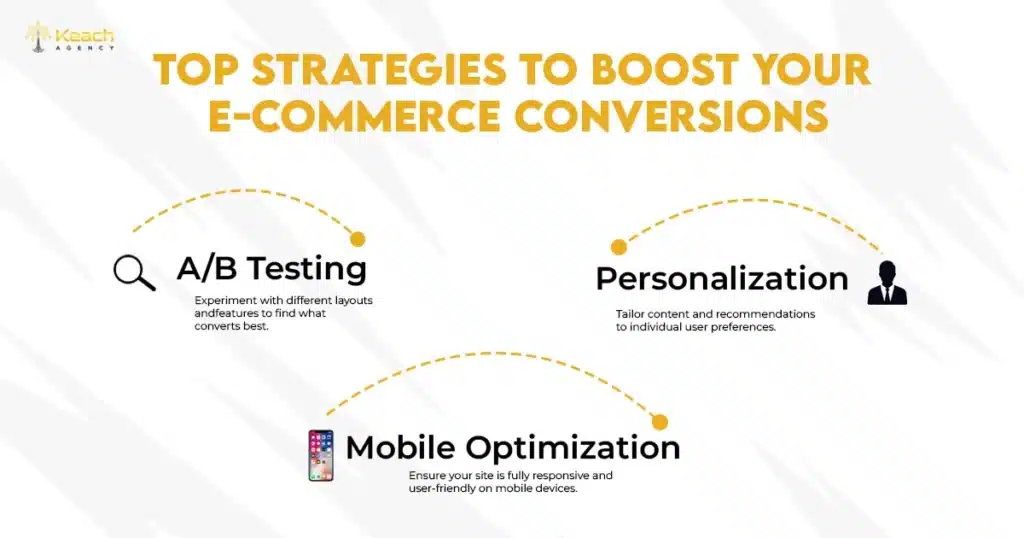
Once your site is easy to use, A/B testing helps you figure out what really gets people to buy.
A/B testing is when you try out two different versions of a page, button, or headline to see which one works better.
Things you can test:
- How does your product page look?
- The color and text of buttons.
- Your product pictures.
- The words you use in headlines.
- The steps in your checkout.
- Where are you putting discounts?
- Where do you put reviews?
Even small changes can make a difference. For example, changing Buy Now to Add to Bag might get you more sales.
6. See How People Use Your Site
Sometimes, people don’t use your site the way you think they will. Heatmaps and session recordings can assist you in seeing:
- Where people click.
- What parts of the page do they ignore?
- Where do they leave your site?
- How far down the page do they scroll?
This information tells you what you need to fix.
7. Make People Trust You
People don’t buy from stores they don’t trust.
Build trust by:
- Having clear rules for returns and refunds.
- Showing security badges.
- Adding pictures and videos from customers.
- Being clear about shipping times.
- Showing ratings and testimonials.
If people trust you, they are more likely to buy.
Having Trouble with A/B Testing?
We can take care of it for you. From getting everything set up to understanding the results, Keach Agency does it all.
FAQs
Can UX changes really get me more sales?
Yes. Even small changes can really boost sales.
How long does A/B testing take?
Most tests take 1 to 4 weeks, depending on how many people visit your site.
Should I test everything on my website?
No. Start with the most important parts, like product pages and checkout.
Do I need special tools for UX testing?
Tools like Hotjar make it easier, but you don’t have to have them.
How often should I make changes to my site?
UX is something you should always be working on because what people want changes over time.